Install a module from the marketplace
What the marketplace actually does when you install - it commits the module into your repository - and the five checks it runs before writing anything.
Verified on October 18, 2026
The marketplace does not install anything into your Odoo. It commits the module's source into your repository, and from there the module travels the same road as code you wrote yourself.
That one sentence prevents most of the confusion. A module you take from the marketplace becomes part of your branch, is built into your image, and is deployed like everything else — which is exactly what makes it reproducible, restorable and reviewable.
Browsing, and owning
The catalogue lists what is published. Taking a module gives your team an entitlement, and the entitlement is what unlocks the rest.
A free module is obtained in one click, and covers every Odoo version it publishes — today's and the ones to come.
A paid module is bought for one Odoo version, with your team's wallet. Before you click, its page shows the amount that will be charged, in your currency, and your balance. If the wallet is short, Top up opens the Billing page with the amount filled in (mobile money with Campay); a button then brings you back to the module to complete the purchase. Another Odoo version is bought separately.
Once you have a module, its card reads In your modules, and its page replaces Get it now with what you can do with it: Use in an environment and Download.
Search, category, Odoo version, price and sort live in the page address: opening a module and going back returns you to the same list, at the same place.
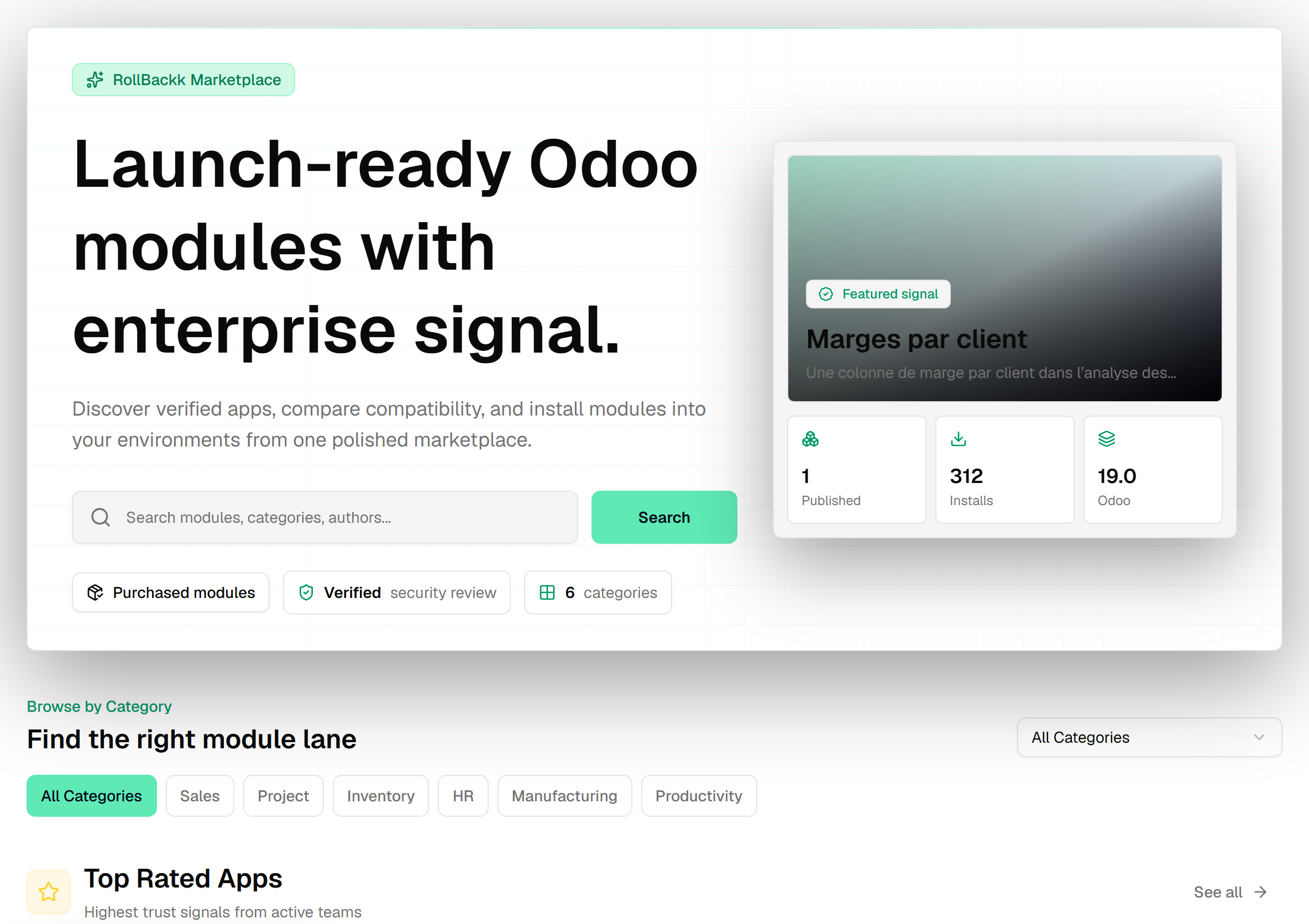
The import wizard opens from the page of a module you own, or from Purchased modules — never for a module you have not obtained. The server checks the entitlement before anything else, so a module you do not own cannot reach step one.
The whole area is gated by marketplace.install.
Four steps, and none of them writes
Use in environment opens a wizard: environment, then version, then a preview, then the import itself.
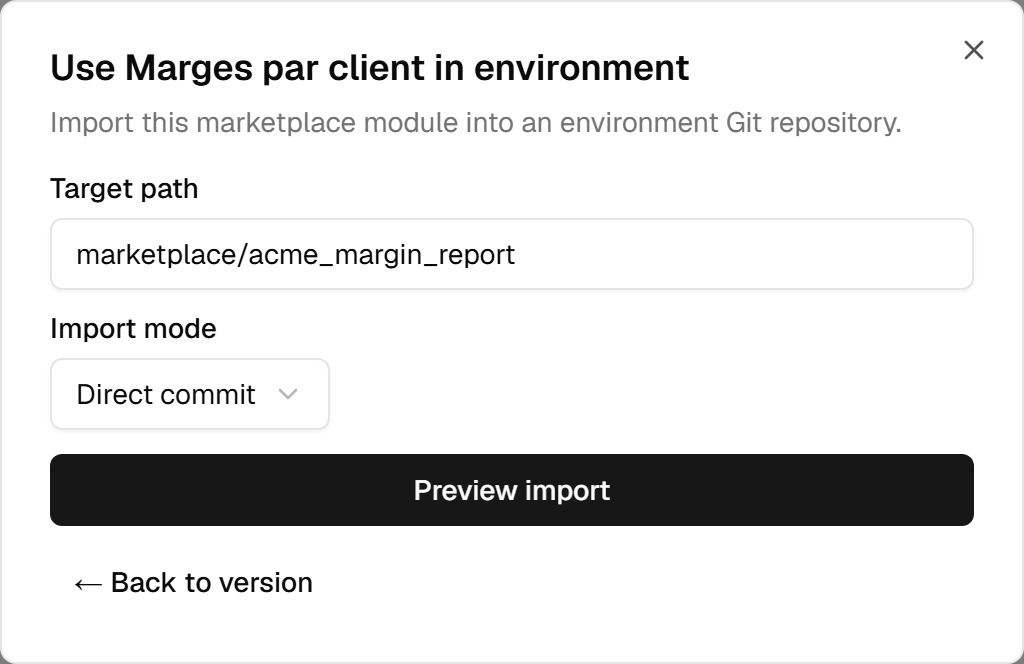
A listing can hold several Odoo modules. The wizard then lists them under Modules to install; the ones that cannot be installed are marked not installable and cannot be ticked. Unticked modules are still written into your repository — they are simply neither tracked nor installed.
The first two lists are computed by the server rather than filtered in the browser:
- Environments — only those that can actually receive this module.
- Versions — only those compatible with the environment you picked.
If either list is empty, that is the answer, and it is more useful than an error would have been.
What is checked before anything is written
Five conditions, each refused with its own reason:
| Condition | Why it exists |
|---|---|
| You hold an entitlement | You can only import what your team owns. |
| The entitlement covers the environment's Odoo version | A free module covers them all; a paid one, only the versions bought. |
| The environment is active | A stopped environment cannot be built onto. |
| The environment has a repository | There is nowhere to commit to otherwise. |
| The version's Odoo version equals the environment's | Not "compatible with" — equal. A 19.0 module does not go into a 18.0 environment. |
That last one is stricter than most people expect, and it is why the version list can come back empty for a module you certainly own.
The preview is the last screen before the write
Preview import performs a dry run and echoes back exactly what would happen: the branch it would commit to, the path the module would occupy, and the Odoo version it was matched against.
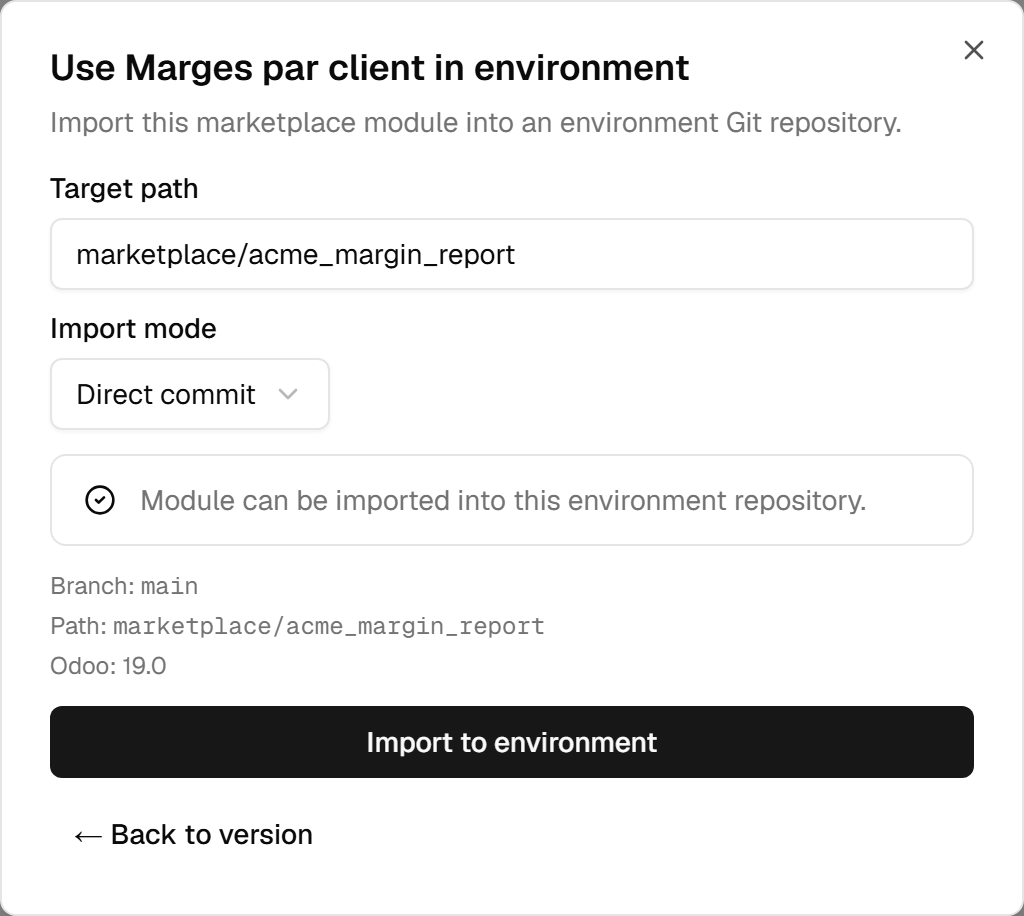
Read the branch. The wizard uses the environment's branch, so importing into a staging environment commits to the staging branch — which is usually what you want, and is occasionally a surprise.
If the module is already there, the preview says so and offers the choices that make sense for that case rather than failing.
The default path is marketplace/<technical_name>. You can change it, but keeping marketplace modules
under one directory is what lets you tell, six months later, which code you wrote and which you took.
After the import: the ordinary road
What confirming does depends on the import mode.
Direct commit writes a commit onto the environment's branch. Then, without you asking:
- The import records the commit it created.
- A build is requested automatically for that commit.
- The module appears in the environment's Modules tab — as Deployment required, because it is in your branch and not yet in the running image.
Create a pull request commits the module to a working branch and opens a pull request onto the environment's branch instead. Nothing is built at that point, and that is the point: the code is not on the environment's branch until somebody merges it. The merge is an ordinary push, and the road below starts there.
From there it is the loop the other guides describe: deploy the build to put the module in the image, then install it in Odoo. The guide on deploying from Git covers the first, and the modules guide covers the second.
Nothing about a marketplace module is special afterwards. It is code in your repository.
When it refuses
The refusals worth recognising:
- The target path already exists — the import stops rather than overwriting code that is already there. Choose another path, or handle the existing copy first.
- No repository linked — connect one to the environment first.
- Git credentials — the platform needs write access to commit or to open a pull request; a revoked token shows up here.
- Your purchase does not cover this Odoo version — a paid module can only be used for the Odoo versions bought; buy this one from the module's page.
A module its publisher has withdrawn from the catalogue can no longer be obtained. If your team already had it, you keep it: its page stays open to you, and importing and downloading keep working.